
Add student details
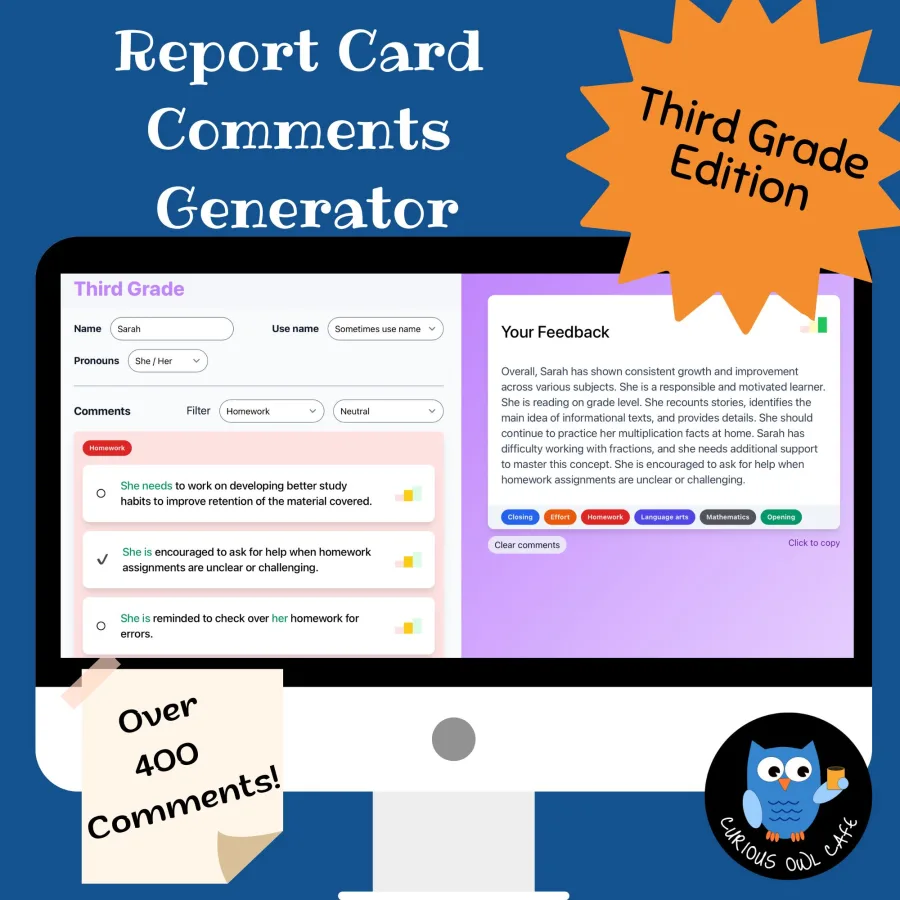
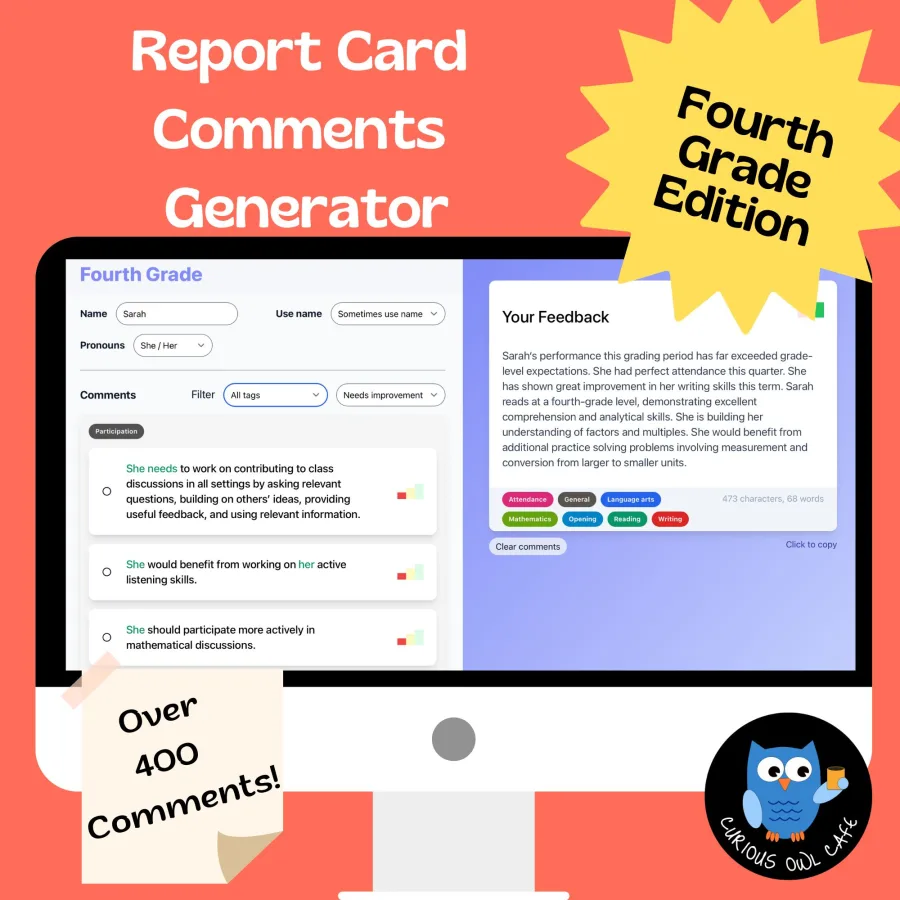
Enter a name and pronouns, then choose the subjects and feedback that fit.
Create individualized K–5 feedback in minutes with hundreds of standards-based comments, a built-in sentiment check, and one-click copy.
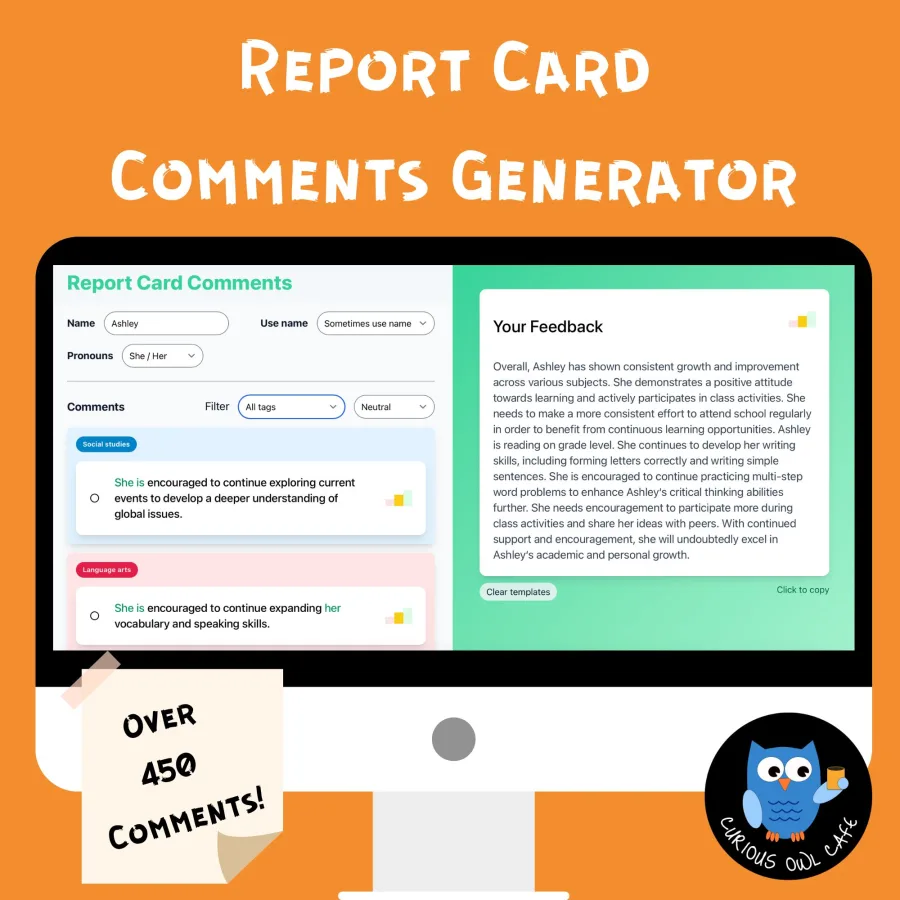
Built-in balance check
See positive feedback and areas for growth at a glance.
Enter a name and pronouns, then choose the subjects and feedback that fit.
Mix strengths with areas for growth while the sentiment graph keeps your feedback balanced.
Copy the finished comment, paste it into your report card, and edit as needed.
“Assessment is today’s means of modifying tomorrow’s instruction.”
Carol Ann Tomlinson
Educator, author, and speaker
Owl Comments gives you a strong starting point while keeping you in control. Every comment can be mixed, matched, and edited to reflect the student in front of you.
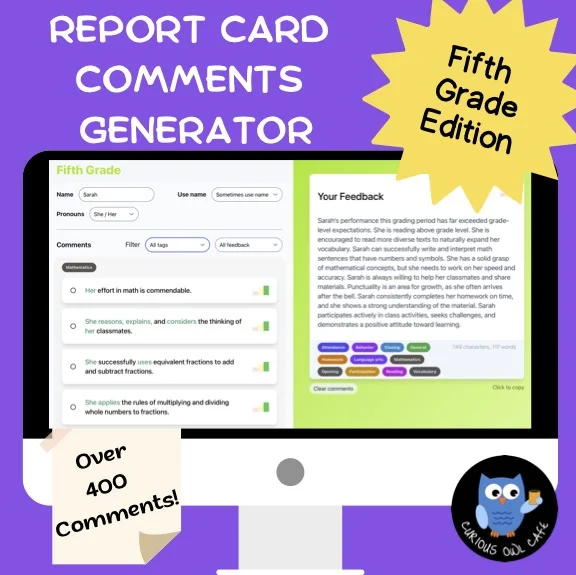
Start broad with the K–5 collection or choose a grade-specific set with vocabulary tailored to your classroom.
A broad collection that works across multiple grade levels, with more than 450 standards-based comments in 18 subject categories.
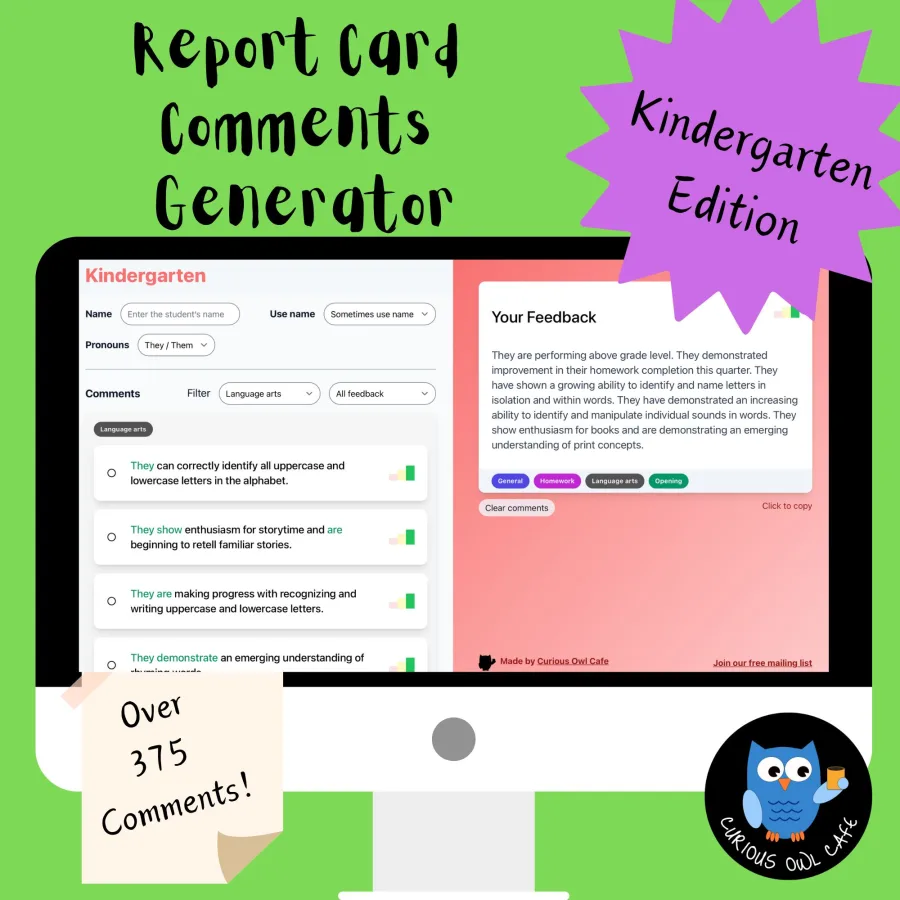
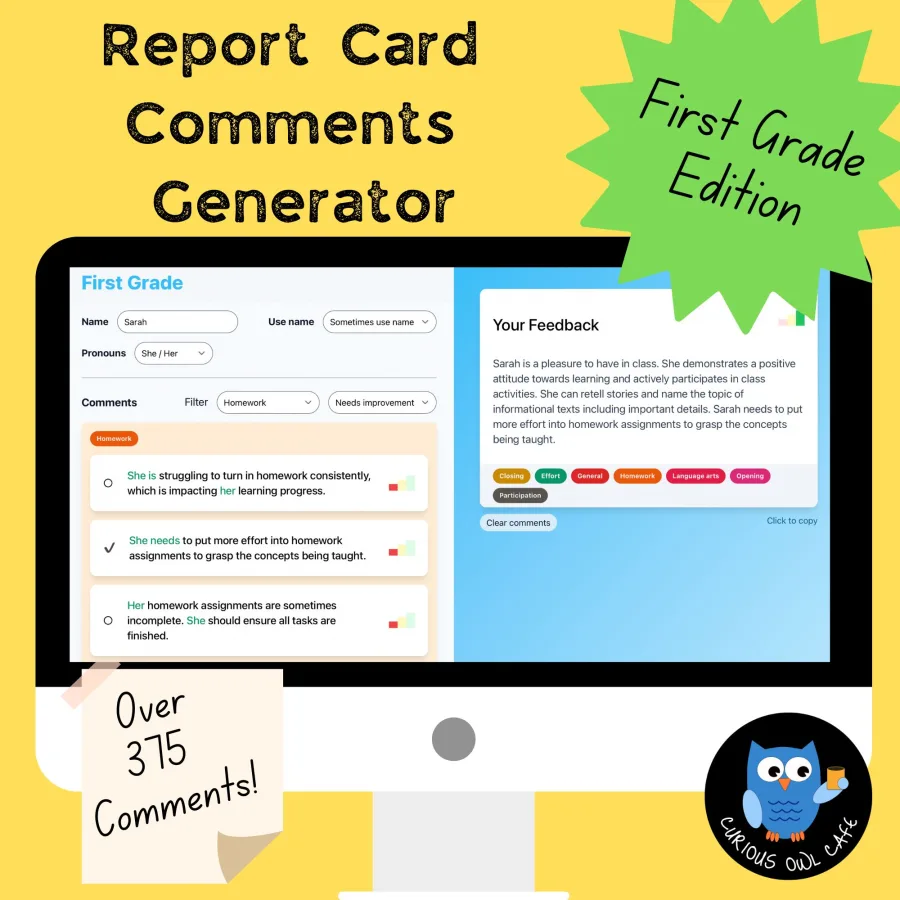
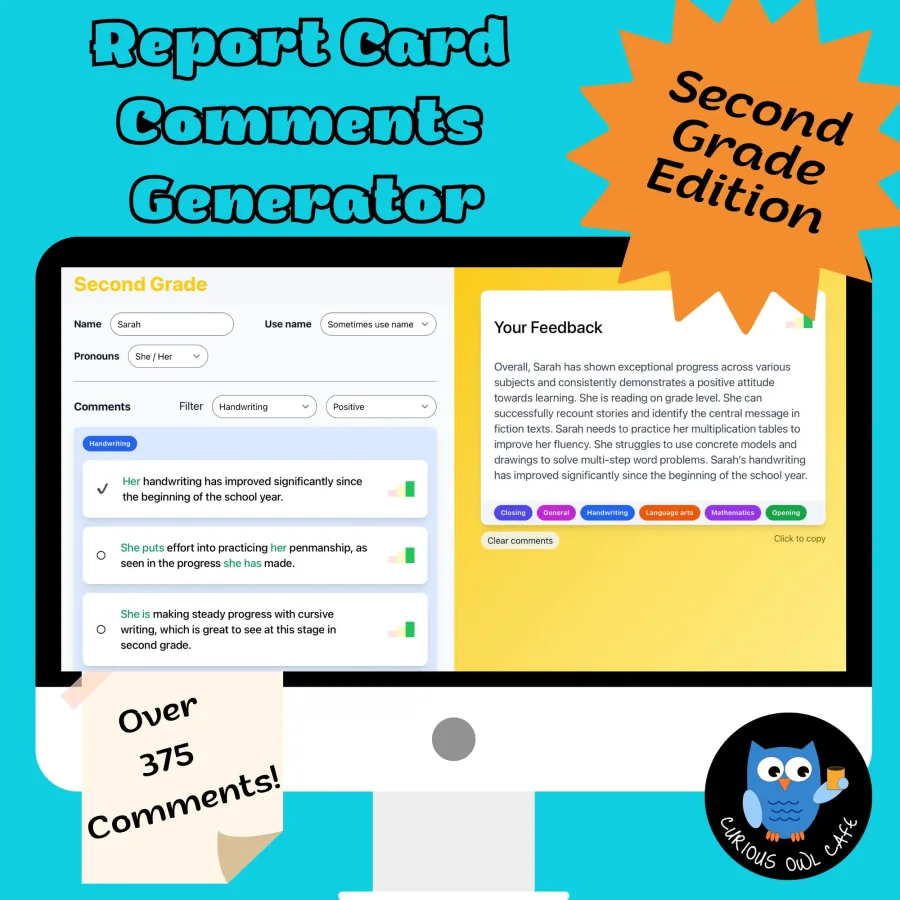
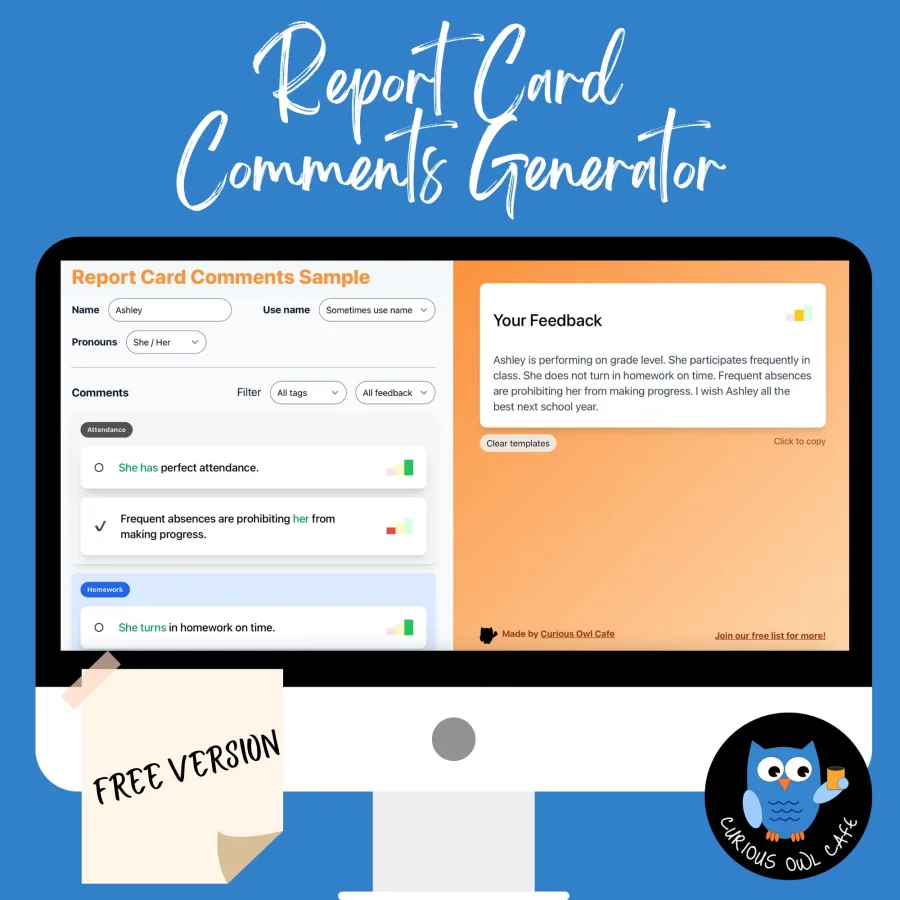
Explore four academic subjects, 10+ sample comments, and the built-in sentiment graph. It works on any computer.
Try it completely freeNo software to install. Open it in your browser and start writing.
A little help for your inbox
Join the Curious Owl Cafe newsletter for practical classroom resources and product updates.